
SideStore
Most people- Computer needed once, about ten minutes
- Refreshes itself after that
- Keep its VPN switched on
The country, the region and the direction land on screen while you play. Four ways to install it, one of them without a computer. Your existing key works.
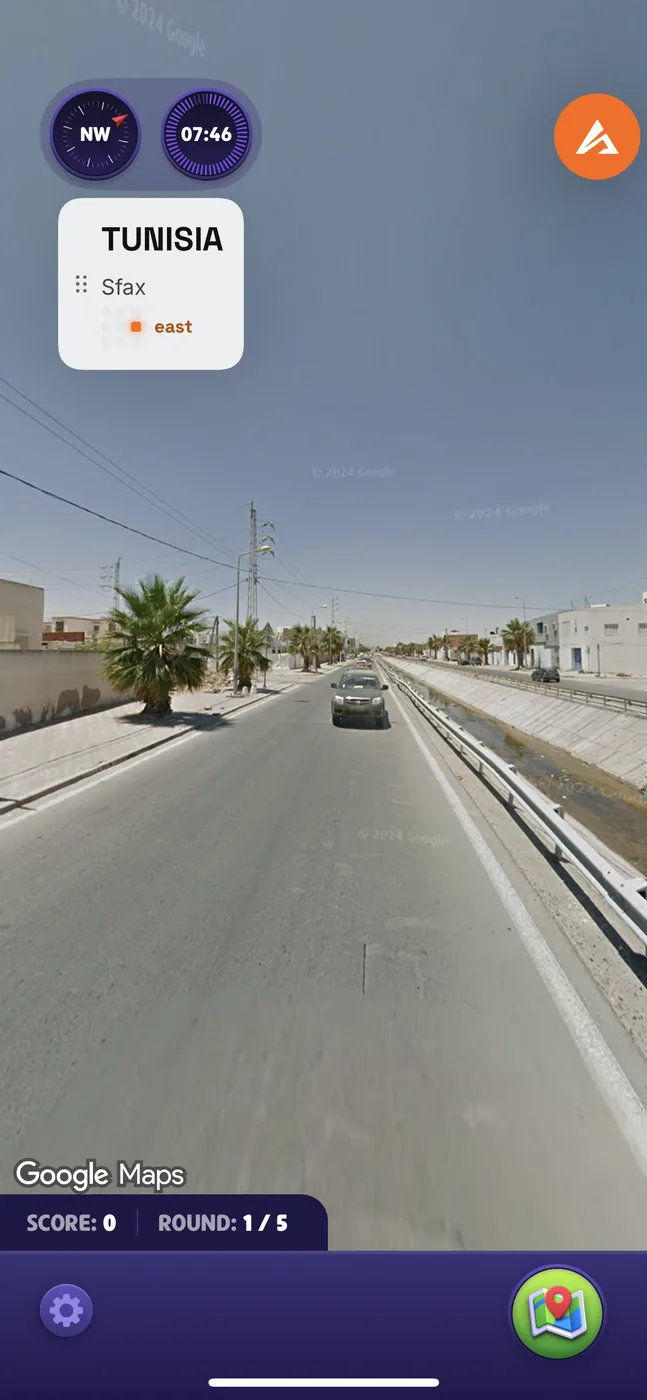
Requirements: iOS 17 or newer, and an ATLAS key. You also switch on Developer Mode once, in Settings under Privacy & Security.


Add our repo in
Sileo or
 Zebra.
Stuck? Ask in our Discord.
Requirements: Android 9 or newer, 4 GB of RAM and a 64 bit device. The same ATLAS key you already have.

Built from scratch for Android: it shares no code with the iPhone build. Ask in our Discord if a step gives you trouble.
You use a computer once to put
SideStore
on the phone. After that it keeps ATLAS signed by itself over WiFi, which is the
difference between this and the
Sideloadly
route.
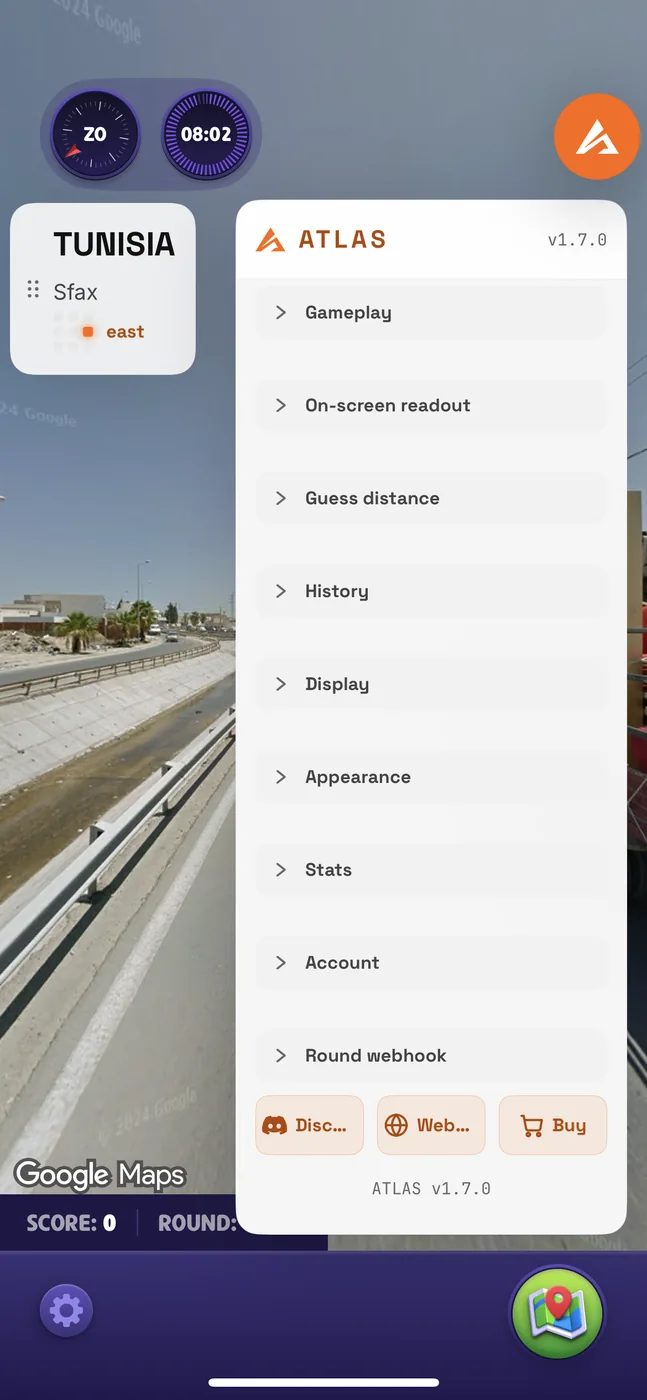
On iOS 26 and newer you can skip the computer entirely with SideInstaller and choose its install-SideStore option. Do not pick the LiveContainer option: it breaks the Google login GeoGuessr uses.
A signing service holds a developer certificate and signs apps onto your device over the air. That is the whole appeal: you never plug the phone into anything, and nothing expires after a week.
Switch on Developer Mode under Settings, Privacy and Security, before the signed app will open. The phone restarts once.
Straight from a computer to the phone, nothing extra installed on the phone itself. The trade is the signature: on a free Apple ID it lasts about a week and then you plug in and do it again.
When it stops working after a week, that is the signature expiring, not a broken app. Repeat the steps, or move to SideStore so it refreshes itself.
On a jailbroken device there is no signing and nothing expires. You keep the GeoGuessr app from the App Store and our tweak loads into it.
Sileo
or Zebra
and go to Sources.https://geoguessrcheats.com/repo/
We support our tweak, not the jailbreak. Which tool fits depends on your chip and iOS version, and both projects document that better than we could. Dopamine covers newer software-based devices; palera1n covers A11 and older, which is iPhone X and earlier, and needs a computer each time the device reboots.
If you are not already jailbroken, do not jailbreak a phone just for this. SideStore gets you the same features with far less to go wrong.
If a method is not on this page or in our Discord, it is not one we support. You are free to use it. We simply cannot help when it goes wrong, because we did not build what you installed.
We cannot see what was added. A build that has been re-signed by somebody else has passed through their hands. Anything from an extra advert to something reading what you type can be added during that step, and from the outside a re-signed app looks the same as ours.
A changed bundle identifier is a give-away. Some services rewrite it so their copy can sit beside the real app. That difference is visible from the outside and is exactly the kind of thing that gets an account flagged.
Use SideStore, Sideloadly or our repository. All three install the build we made, unchanged. If somebody offers you an ATLAS build from anywhere else, ask us in Discord first.
A stock phone, nothing unlocked. ATLAS ships as an app-set, a base plus its parts, so it installs from one file with a split installer rather than a single tap. Once it is on, it works exactly like the iPhone app.
The .zip is the app-set itself, not an archive to unpack. Hand the whole file to SAI and it does the rest.
The safest route on Android: the Play Store GeoGuessr app is left untouched and ATLAS loads into it through LSPosed, so nothing is re-signed and the Google login keeps working the normal way.
No re-signing means the app keeps its own signature, so Google sign-in behaves the same as on a normal install.