ATLAS v1.3.3: 80% Faster Predictions, GPU Support & New Payment System
Version 1.3.3 focuses on speed, stability, and a smoother experience. Predictions are now up to 80% faster, the app no longer freezes during analysis, and there is now support for a wider range of graphics cards. On top of that, the payment system has been replaced with a more private alternative, and several new tools have been added.
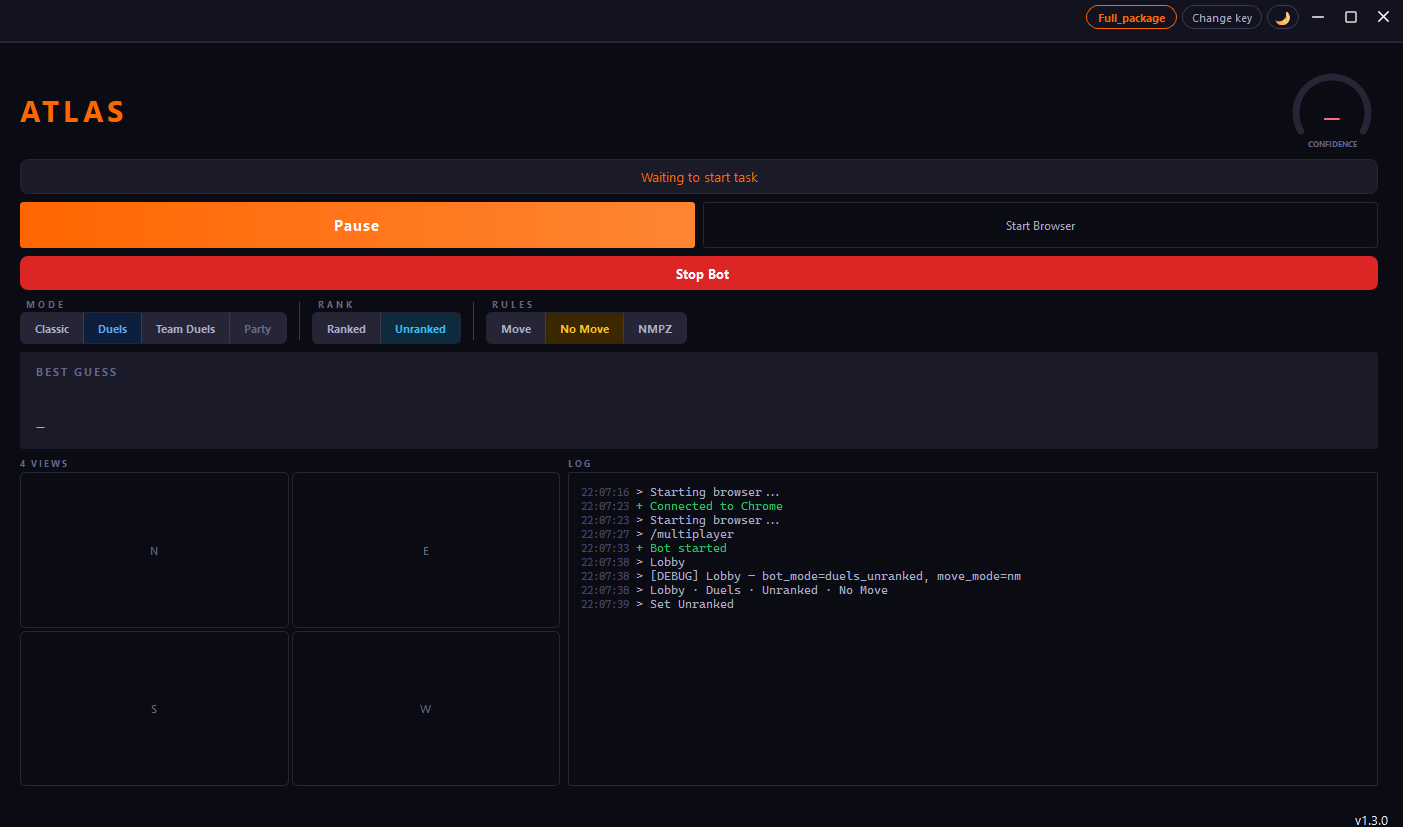
What changed
| Area | Before (v1.3) | Now (v1.3.3) | Change |
|---|---|---|---|
| Prediction speed | 5 to 10 seconds | 1 to 2 seconds | 60 to 80% faster |
| App responsiveness | Froze during analysis | Stays responsive | 100% fixed |
| Minimum GPU memory | 12 GB | 8 GB | 33% lower requirement |
| Engine control | Fixed settings | Adjustable | New feature |
| Offline testing | Not available | Built in benchmark | New feature |
| Interface language | Mixed (EN/NL) | Fully English | Completed |
Faster predictions
The biggest change in this version is speed. Predictions now finish 60 to 80% faster than before. On a machine with a supported GPU, results come back in about 1 second. On CPU only setups, expect around 2 to 3 seconds instead of the previous 5 to 10.
This makes a real difference in timed game modes like Duels, where every second matters.
No more freezing
In earlier versions, the app would sometimes stop responding while running a prediction. The interface would go white and Windows would show "not responding" in the title bar. This has been completely fixed. The prediction engine now runs in the background without blocking the interface, so you can keep interacting with the app at all times.
GPU support for 8 GB cards
Previously, using your graphics card for predictions required at least 12 GB of video memory. With v1.3.3, cards with 8 GB of memory are now supported. This includes popular models like the RTX 3060 Ti, RTX 4060, and similar. GPU acceleration makes predictions noticeably faster compared to running on CPU alone.
Engine tuning controls
You can now adjust how the prediction engine behaves. Two new settings are available in the settings panel:
- Temperature controls how bold or cautious the engine is when making a guess. A higher value means the engine is more willing to commit to a specific location. A lower value means it plays it safer.
- Hedging adjusts how much the engine pulls its guess toward the center of the most likely region when confidence is low. This reduces the chance of guessing on the wrong side of a country.
For most users, the default values will work fine. These controls are mainly useful if you want to experiment or optimize for specific game modes.
Built in benchmark tool
There is now a benchmark feature that lets you test prediction accuracy without playing a live game. It runs a set of saved screenshots through the engine and reports how well it performs. This is useful for comparing settings, testing after updates, or just seeing how accurate the system is on your machine.
New payment system
The payment system has been switched from Stripe to Paddle. For you as a user, the main difference is that checkout now opens as an overlay on the website instead of redirecting to a separate page. Paddle supports more payment methods including iDEAL, PayPal, Google Pay, Apple Pay, and local options depending on your country. Everything else stays the same: your license key is generated instantly after payment and appears in your dashboard.
Other changes
- All remaining interface text has been translated to English. Buttons, labels, tooltips, and log messages are now fully in English.
- Several security improvements have been made across the board, including better input validation and safer handling of session data.
- Various smaller bug fixes that improve overall stability.
How to update
The update is automatic. Open the ATLAS launcher and it downloads the latest version. Your settings, license key, and session history are all preserved.
Try ATLAS today
Plans start at €9.99 per month. Lifetime access is available for a single payment of €50.
View Plans